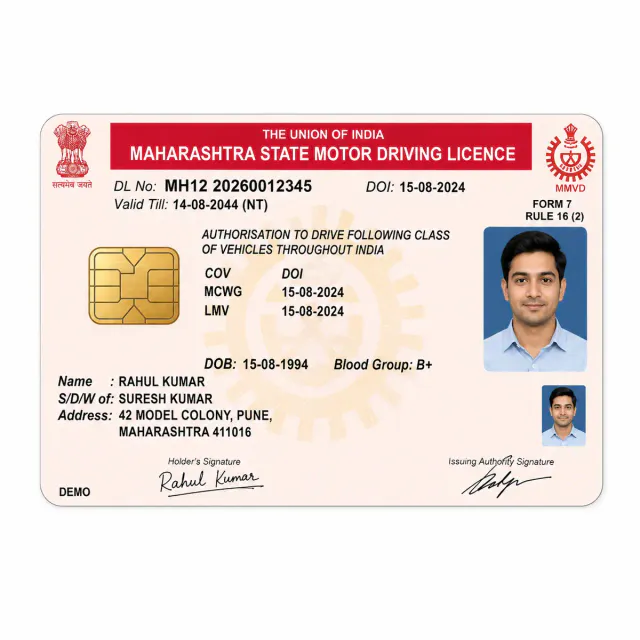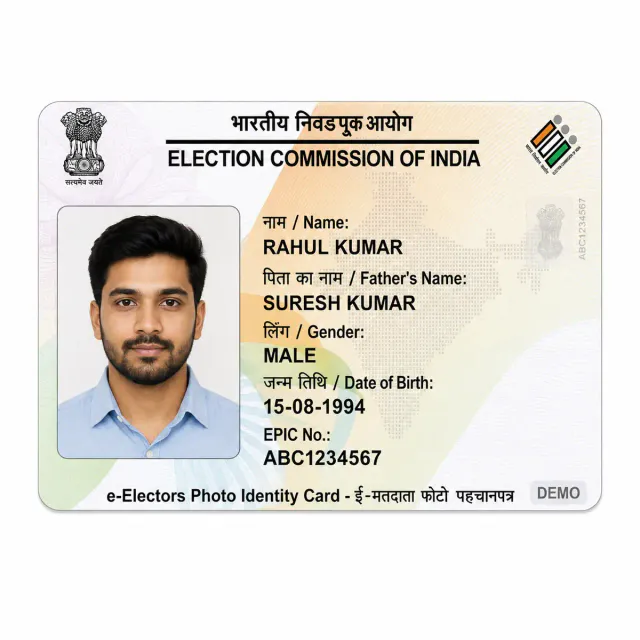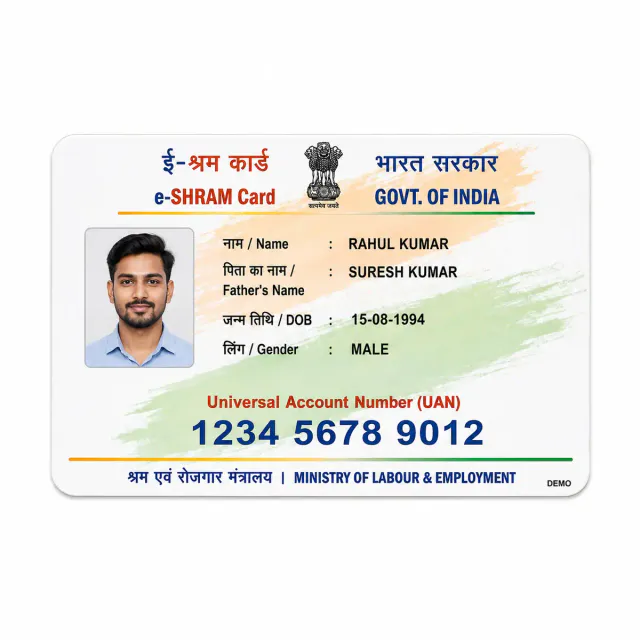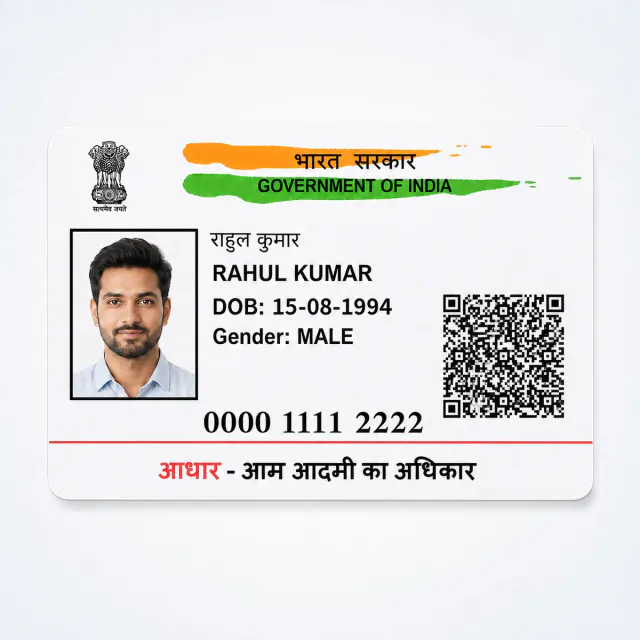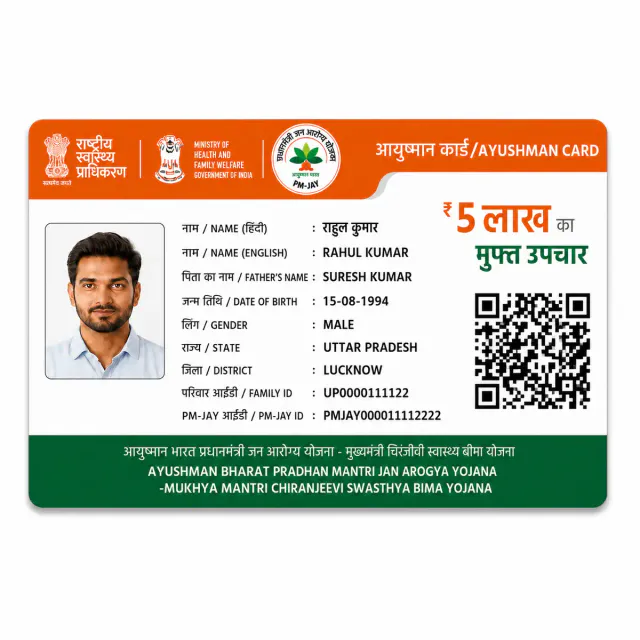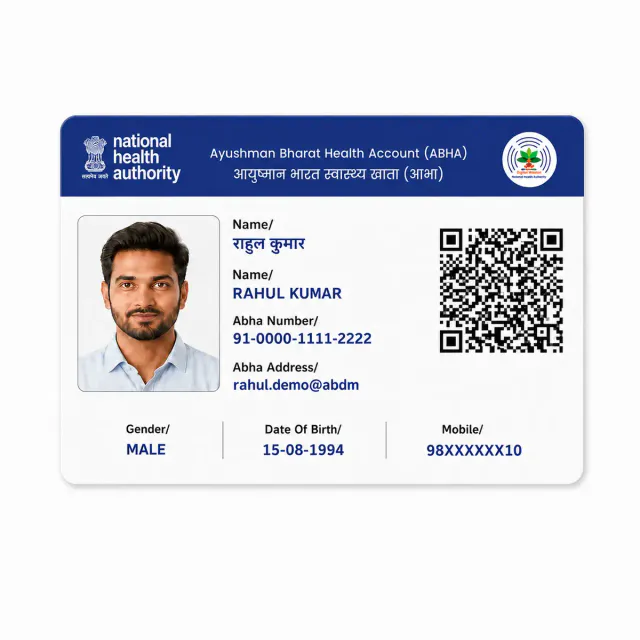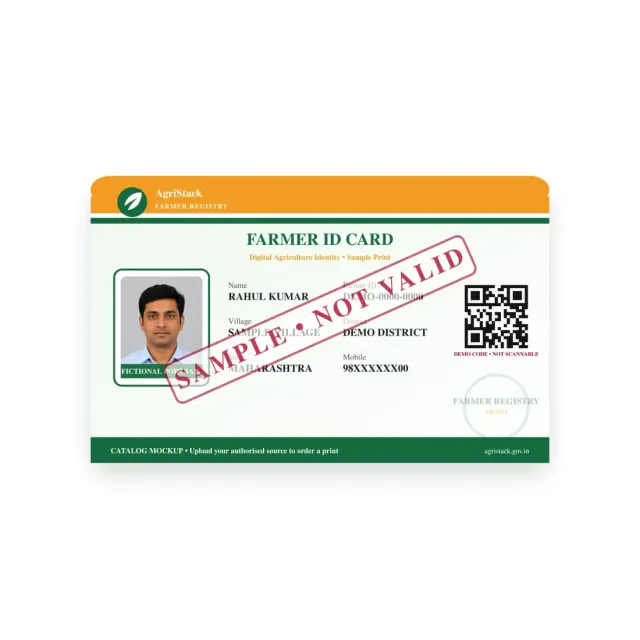
Farmer ID Printing Online – Order & Print in India
Farmer ID PVC Card Printing is available through this product page for customers who already have an authorised source file or approved artwork.
Quantity: 1
Upload your card files*
Upload clear photos or a PDF of the front and back.
0 of 10 files
Cards for different people? Pick the quantity above, then add a file for each.
- Upload PDF, or the front and back files
- JPG, PNG, WebP or PDF, max 50 MB each
- Locked PDF? Add its password after upload
Delivery charges apply based on your location.
Estimated Delivery
Delivery by
Free Delivery on orders above ₹999.
Ordered
Order Ready
Delivered
Upload the existing printable farmer-identity document you are authorised to use. Get a wallet-size PVC print from your existing Farmer ID document. Choose the required quantity or available pack and review print and delivery charges before checkout.
Private printing service. Document issuance and updates remain with the original issuer.
Upload only a document you own or are authorised to print. Files are used for your print order, and downloads need your cart session or administrator access. Read the privacy policy or ask support about retention or deletion.
Farmer ID Card Printing Online – Service Overview
Upload the existing printable farmer-identity document you are authorised to use. This product prints your existing Farmer ID document onto PVC. Choose an available quantity, supply the final file and review the print and delivery total.
Use an existing printable Farmer ID. This is not farmer registration, an account lookup, a change to land records or a benefit application.
Prepare Your Farmer ID File for PVC Printing
- Check the farmer name and identifier in the document you already hold.
- Keep any code and intended printed details readable.
- Do not upload land records or an unrelated application merely to request an ID lookup.
Upload a PDF, JPG, PNG or WebP (up to 10 MB and 20 files per product), with front and back clearly paired, and never send passwords or OTPs. See how to prepare a clear file.
Farmer ID Card Printing Online – Prices & Delivery
The current print price is ₹50.00 per card. The examples use the same rules as your cart and show this product ordered alone.
Other cart items can change delivery eligibility. Read the price and delivery guide and ask support before ordering for a fixed deadline.
What Your Farmer ID Print Includes
We print the file you supply on an 85.6 × 54 mm card with rounded corners. Issuance, record changes, membership or access permissions remain with the original Farmer ID service; this independent printing order does not complete those processes or guarantee acceptance of a copy. Supply only material you own or are authorised to print.
Farmer ID Printing FAQs
Which file should I use for this farmer id print?
Use your existing Farmer ID document. Check the farmer name and identifier in the document you already hold. PDF, JPG, PNG and WebP are accepted within the upload limits above.
Does printing change my document or activate a service?
No. Use an existing printable Farmer ID. This is not farmer registration, an account lookup, a change to land records or a benefit application.
Questions about files, delivery or your order? See how files are handled, plan delivery, or track an order.
Related guides
Upload the highest resolution photo you have for the sharpest print. We warn you before you order if a photo may print soft at the size you chose.
Every order is made after you place it. Allow 1 day to prepare it and 4 to 7 days for delivery across India. Shipping is free on orders above ₹999 and ₹60 below that. Read our shipping policy.
If your order arrives damaged or defective, contact us within 7 days of receiving it. Once the returned product reaches us and is verified, your refund is processed within 24 hours. Personalized items cannot be returned for a change of mind once printing has started. Read our return and refund policy.
Need help uploading images or adding details? Call or WhatsApp +91 9529240029, email [email protected], contact us, or see the FAQs.