-
×
 10×12 Inch Laminated Photo Print
1 × ₹269.00
10×12 Inch Laminated Photo Print
1 × ₹269.00 -
×
 Black and White Photo Colourisation and Print
1 × ₹699.00
Black and White Photo Colourisation and Print
1 × ₹699.00 -
×
 Black and White to Colour Digital Art Print
2 × ₹999.00
Black and White to Colour Digital Art Print
2 × ₹999.00


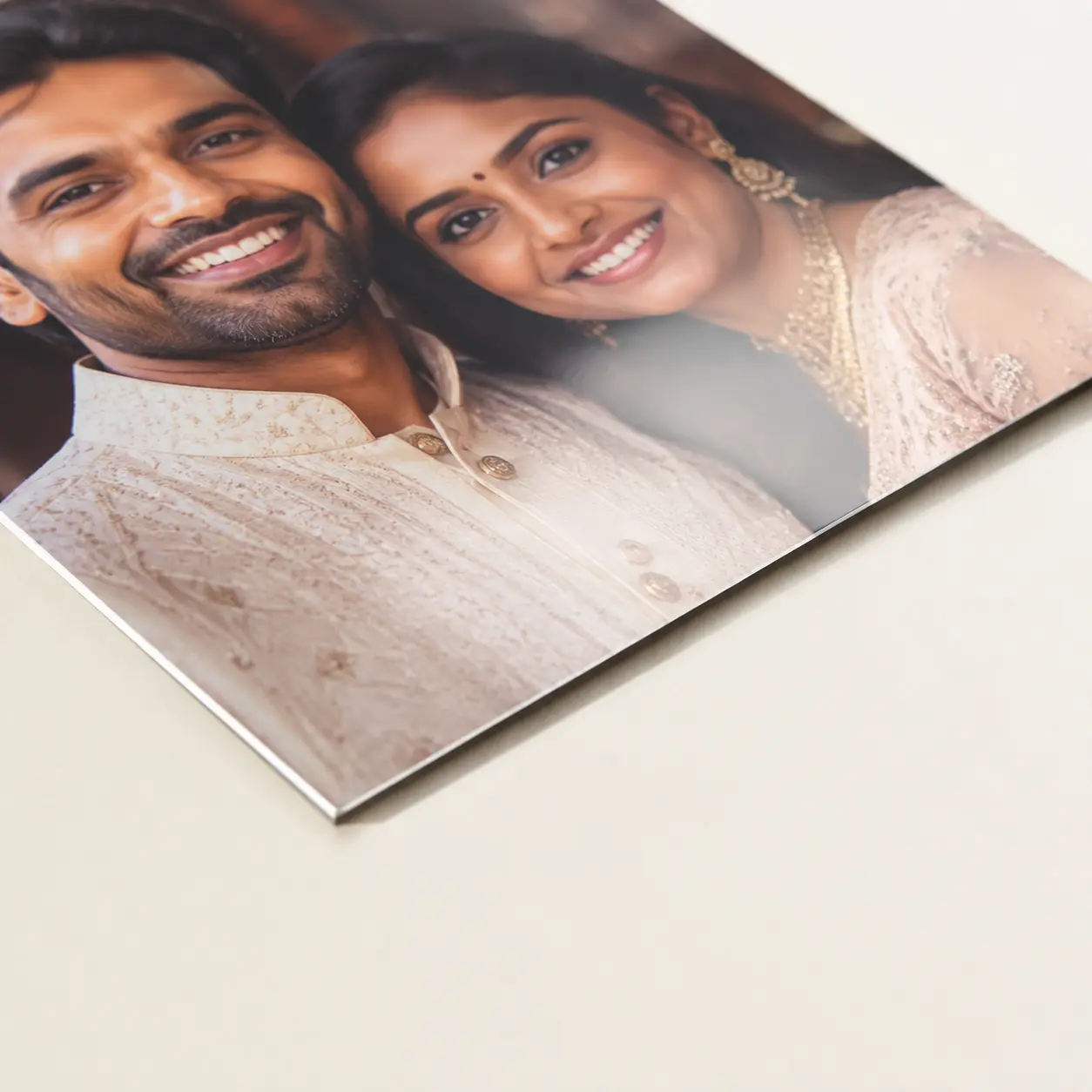
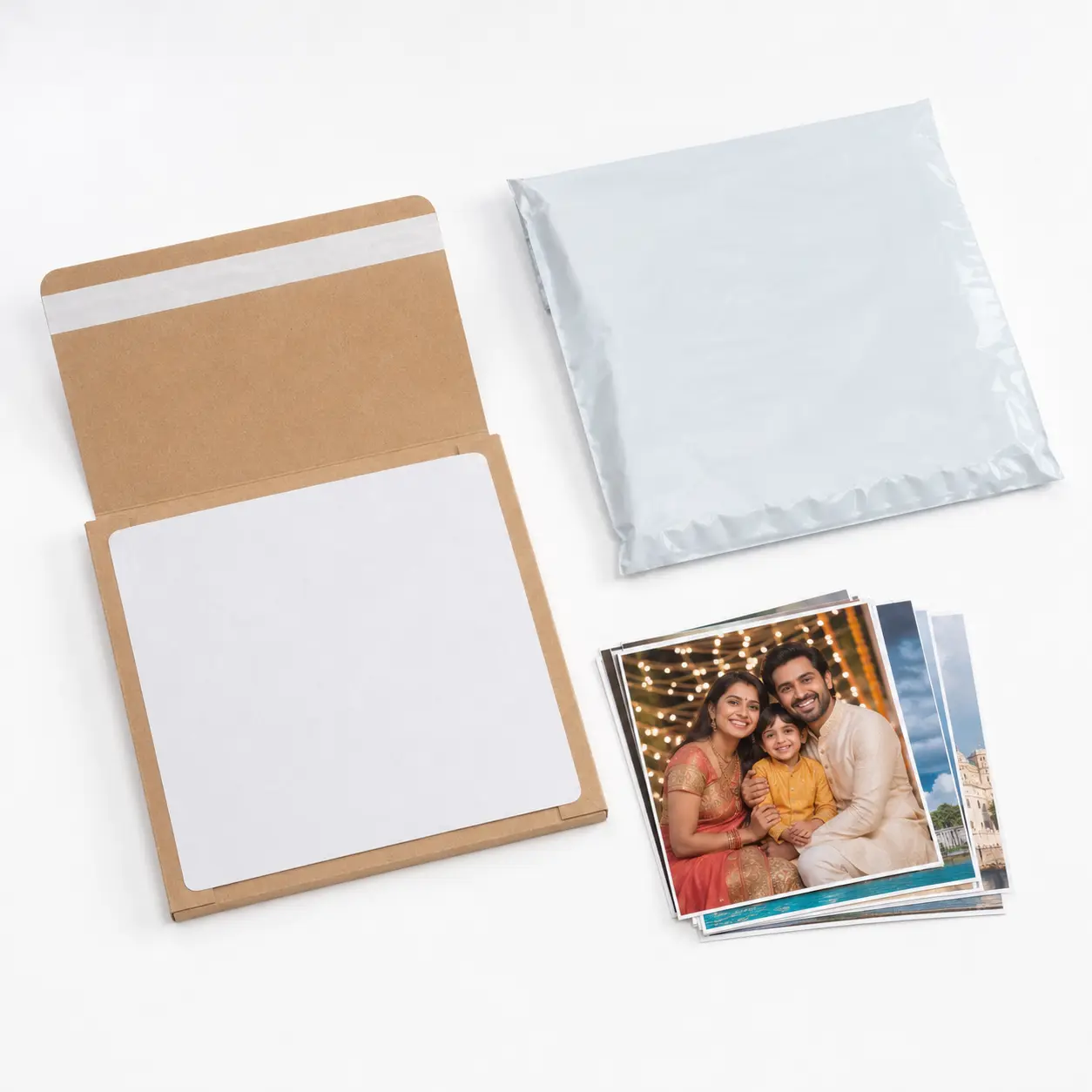

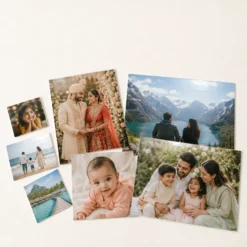
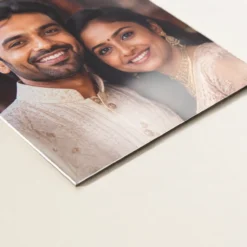



Order custom photo lamination online and turn a favourite digital photograph into a finished physical print that is easier to handle, display and gift. Gift Kida prints the customer-supplied image, applies the selected glossy or matte laminated finish, checks the edges and packs the completed photograph for delivery across India. Choose a popular small print such as 4×6 inches, a desk-display size such as 5×7 or 6×8, or a larger A4, A3 or wall-photo format.
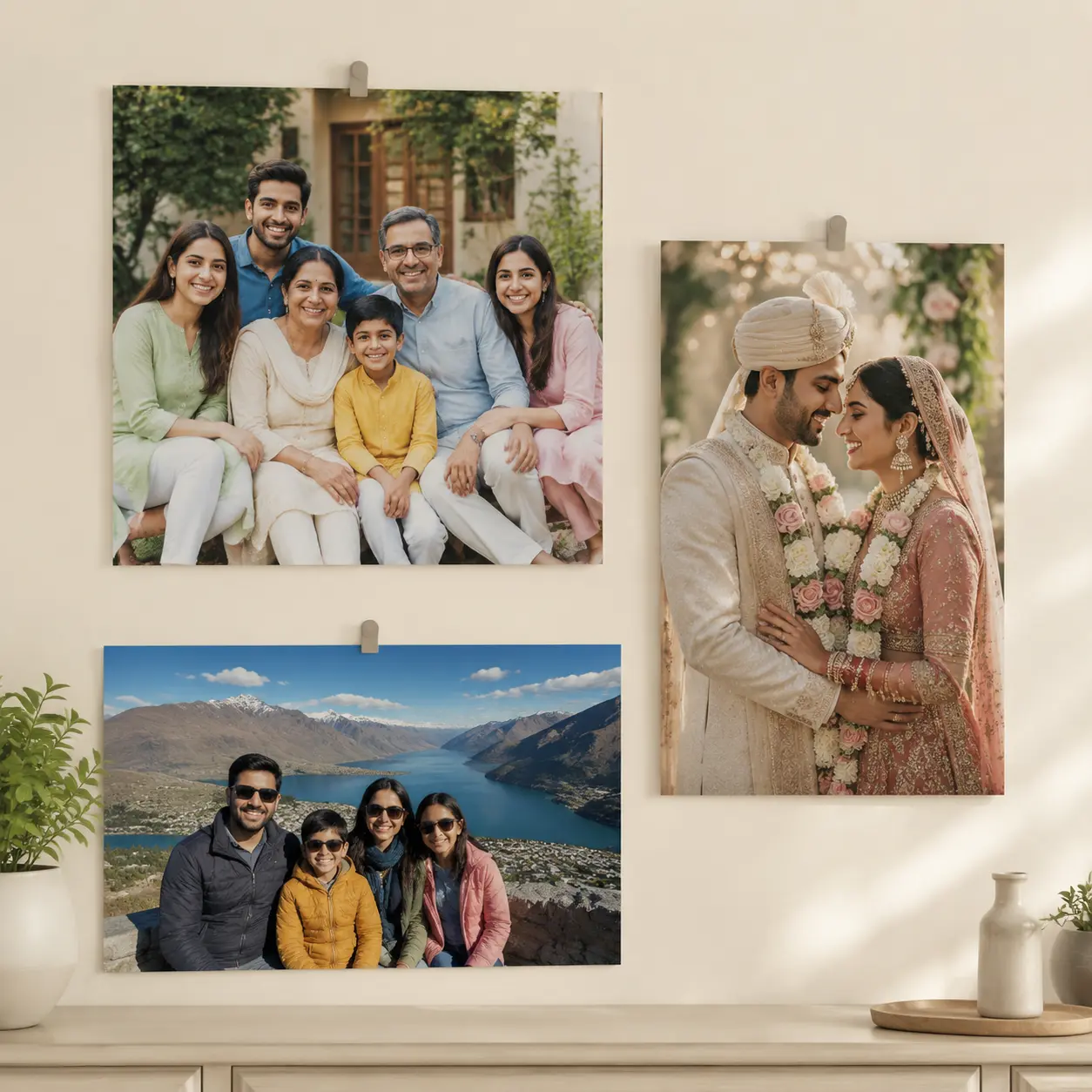
This listing is for an unframed laminated photo print. No wooden frame, synthetic frame, glass, acrylic sheet, canvas, magnet, wall hook, stand or mounting hardware is included. The product photographs may use removable clips or simple home props to demonstrate scale, but the customer receives only the selected laminated print and its protective delivery packaging.
Photo lamination online with practical size choices
Many customers search for photo printing and lamination when they want something firmer and easier to wipe than an ordinary loose print. Lamination places a clear protective film over the printed photograph. It helps protect the paper surface from routine handling, fingerprints and light accidental splashes. It also gives the print a neat finished edge when cut correctly. Lamination does not make a photograph indestructible, fireproof or suitable for permanent outdoor use, and the edges should not be submerged in water.
Gift Kida offers one clean product page with multiple sizes instead of forcing customers through several nearly identical listings. Select the size first, choose portrait or landscape orientation, select the laminated surface, upload the image and use the standard quantity box. The displayed product price changes automatically with size and quantity. Larger orders receive the configured bulk rate without requiring a fixed pack.
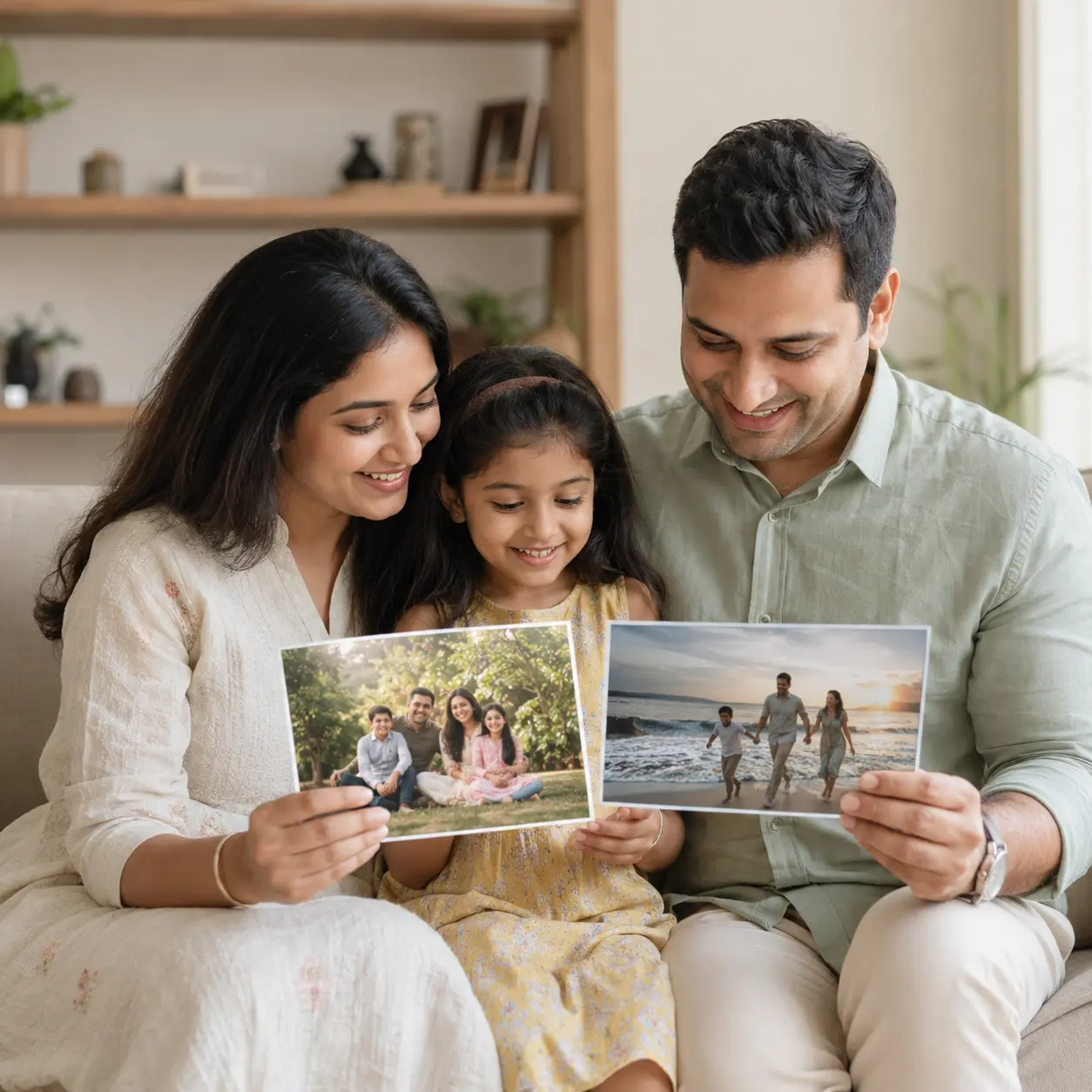
Available laminated photo print sizes
The product includes everyday photo sizes and larger display formats: 4×6, 5×7, 6×8, 8×8, 8×10, 8×12, 10×12, 10×15, 12×12, 12×15, 12×16 and 12×18 inches, plus A4 and A3. A small photo lamination is useful for a desk, album insert, school project or keepsake. Medium sizes work well for portraits, anniversary photographs, children’s pictures and family collages. A4, A3 and the larger inch formats are suited to unframed wall displays, event photographs and photo gifts.
Choose a size that suits the shape and resolution of the source image. A landscape photograph generally fits a landscape print more naturally, while a vertical portrait suits portrait orientation. Square sizes such as 8×8 and 12×12 work well for centred compositions and photographs prepared for social media, but a rectangular camera image will need cropping or a border. When an important face, hand, dress edge or background object sits close to the edge, mention it in Order Notes.
A larger laminated photo requires a stronger source file. A clear modern phone photograph may print very well, but an image repeatedly forwarded through messaging apps can become soft or blocky when enlarged. Upload the original camera file wherever possible. A screenshot, social-media download or heavily filtered image may contain fewer pixels than it appears to have on a bright phone screen.
Glossy and matte photo lamination

Glossy lamination gives the print a bright, smooth surface with stronger reflections and lively apparent colour. It is a familiar choice for family portraits, wedding photographs and colourful travel images. The reflective surface can make dark colours appear rich, but direct lights and windows may be visible as highlights when the print is viewed from certain angles.
Matte lamination has a lower-glare appearance and a softer surface presentation. It can be easier to view under ceiling lights and is useful for wall photographs, school displays, office pictures and images that are handled often. Matte is not completely reflection-free, and its colours may look slightly less shiny than glossy. The better choice depends on the viewing environment rather than one finish being universally superior.
The source image, screen settings and room lighting affect how colour is perceived. A phone produces light, while printed photo paper reflects light. Gift Kida aims for natural-looking colour and sensible contrast, but the physical print may not look identical to every phone, laptop or television display.
What happens after you upload the photograph?
- Choose size and orientation. Select the physical dimensions and whether the image should be prepared as portrait or landscape.
- Select glossy or matte. Choose the laminated surface that suits the intended display and lighting.
- Enter quantity. Use the normal WooCommerce quantity field for the total number of laminated prints required.
- Upload clear files. Submit JPG, JPEG, PNG or WebP images and avoid screenshots where an original file is available.
- Add important instructions. Use Order Notes for duplicate copies, border requests, essential crop areas, captions or file sequence.
- Review the cart. Confirm the selected size, finish, orientation, quantity and shipping address before payment.
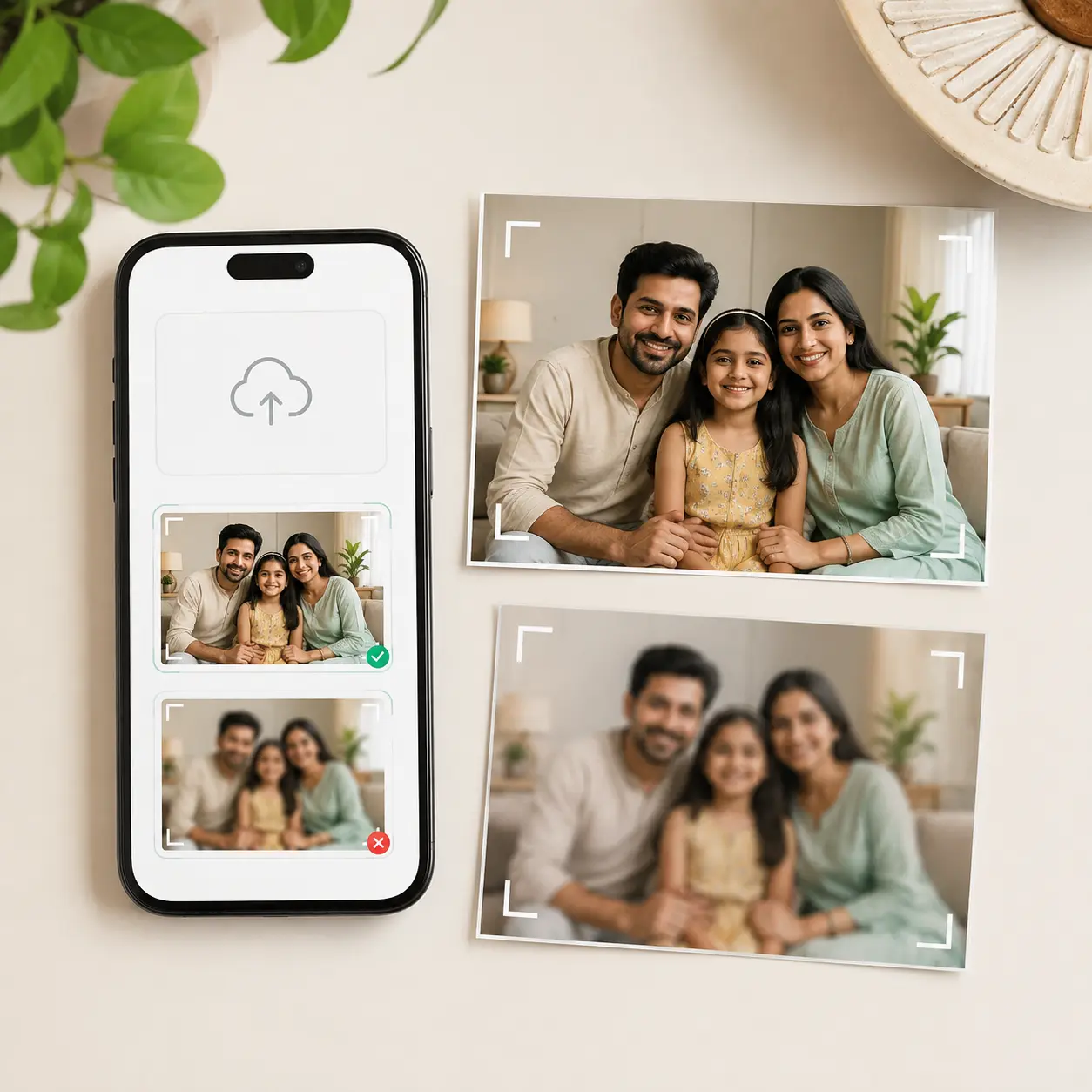
Basic image preparation without changing identity
Standard preparation can include rotation, proportionate cropping, mild brightness balancing and restrained colour correction so the customer’s photograph fits the selected print. We may position a narrow border when the original proportions do not match and cropping would remove something important. These steps are basic production preparation, not advanced photo manipulation.
Gift Kida does not replace a person, change facial features, reshape a body, alter age, create missing jewellery, swap clothing or perform misleading identity edits. Heavy beauty retouching and unrealistic skin smoothing are not included. A blurred, compressed or pixelated file cannot be turned into genuine high-resolution detail merely by enlarging it. For restoration, object removal or a complex collage, contact support before ordering or choose an appropriate separate product.
Clean lamination and edge finishing
The photograph is prepared for the selected dimensions, printed, laminated and cut using practical A3 production equipment and paper-finishing tools. The clear film should lie smoothly across the image with a neat sealed edge. A small trim tolerance can occur because customised prints are cut individually. Very minor differences in edge width or alignment are normal; large creases, trapped debris, serious bubbles or an incorrect size should be reported promptly.
For large prints, a slight natural curve can appear after production or transit. Store the print flat under a clean, light weight for a short period if required. Do not use a hot iron, hair dryer or direct flame to flatten it. Heat can distort the laminate and damage the printed surface.
How to choose the right size for your photograph
Start with the place where the finished photograph will be used. A 4×6 or 5×7 laminated photo is compact for a study table, keepsake box, school activity or small gift. Sizes such as 6×8, 8×10 and 8×12 give a portrait more presence without becoming difficult to pack. A4 and A3 work well for a larger family photograph, project, collage or unframed wall arrangement. The inch-based 10×15, 12×15, 12×16 and 12×18 formats are useful when the customer wants a substantial display photograph.
Next, compare the shape of the source image with the selected print. A phone camera file may be taller or wider than the paper ratio. Filling the entire sheet can crop a narrow area, while preserving every edge may leave a small border. Keep important faces, hands, captions and clothing away from the extreme edge of the file. If the border or crop decision is important, write it clearly in Order Notes.
Measure the intended display area before ordering, and check whether the chosen orientation suits the subject naturally.
Finally, consider viewing distance and source quality. A small print can look clean from a modest file, but an A3 enlargement reveals blur, digital zoom and messaging-app compression much more easily. Use the original camera image or the highest-resolution scan available. For an old physical photograph, scan it flat in even light rather than photographing it through glass, where reflections and perspective distortion can reduce the final quality.
Popular uses for personalised laminated photos
- Wedding, engagement and anniversary photographs
- Baby milestones and children’s portraits
- Family photographs for grandparents and relatives
- Travel memories and landscape pictures
- School projects, classroom displays and college work
- Employee, team and event photographs
- Unframed wall-photo arrangements using the customer’s own clips
- Birthday, house-warming and friendship gifts
- Pet portraits and remembrance photographs
- Personal desk, study-room and workspace decoration
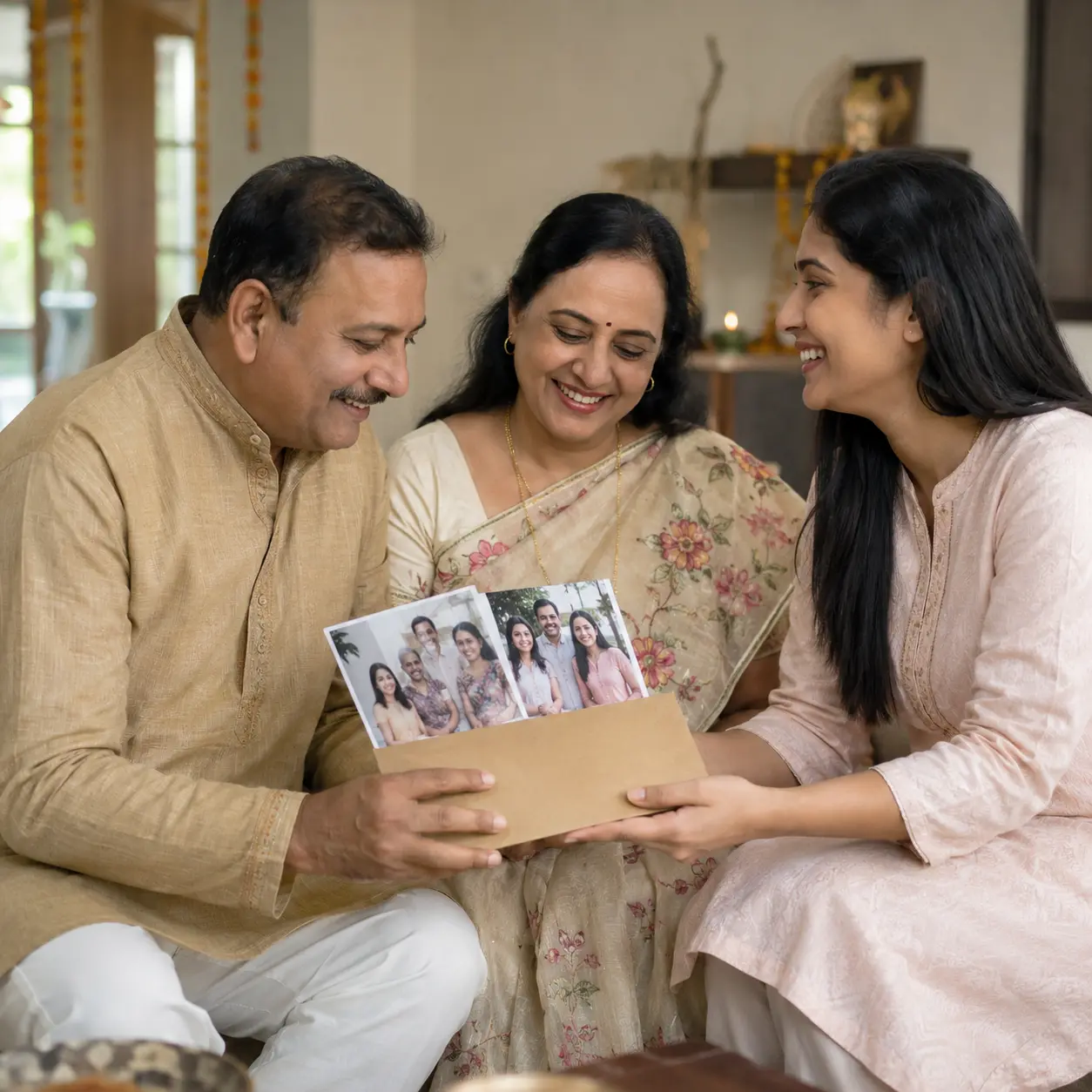
Protective packaging and delivery across India
Small and medium laminated photographs are placed in a protective inner sleeve or suitable wrapping and supported with rigid board to reduce bending during transit. Larger sizes receive packaging suited to their dimensions. An outer moisture-resistant courier packet adds another layer of protection. Packaging design may vary by size and order quantity, but it should support the corners and keep the finished face clean.
The shipping charge is displayed separately in the cart. Normal dispatch begins after usable files and payment are received. Courier delivery time depends on PIN code serviceability, public holidays, weather and network conditions. Enter a complete address and working mobile number. Open the parcel on a clean, dry surface and avoid cutting deeply with a blade near the photograph.
How to care for a laminated photo print
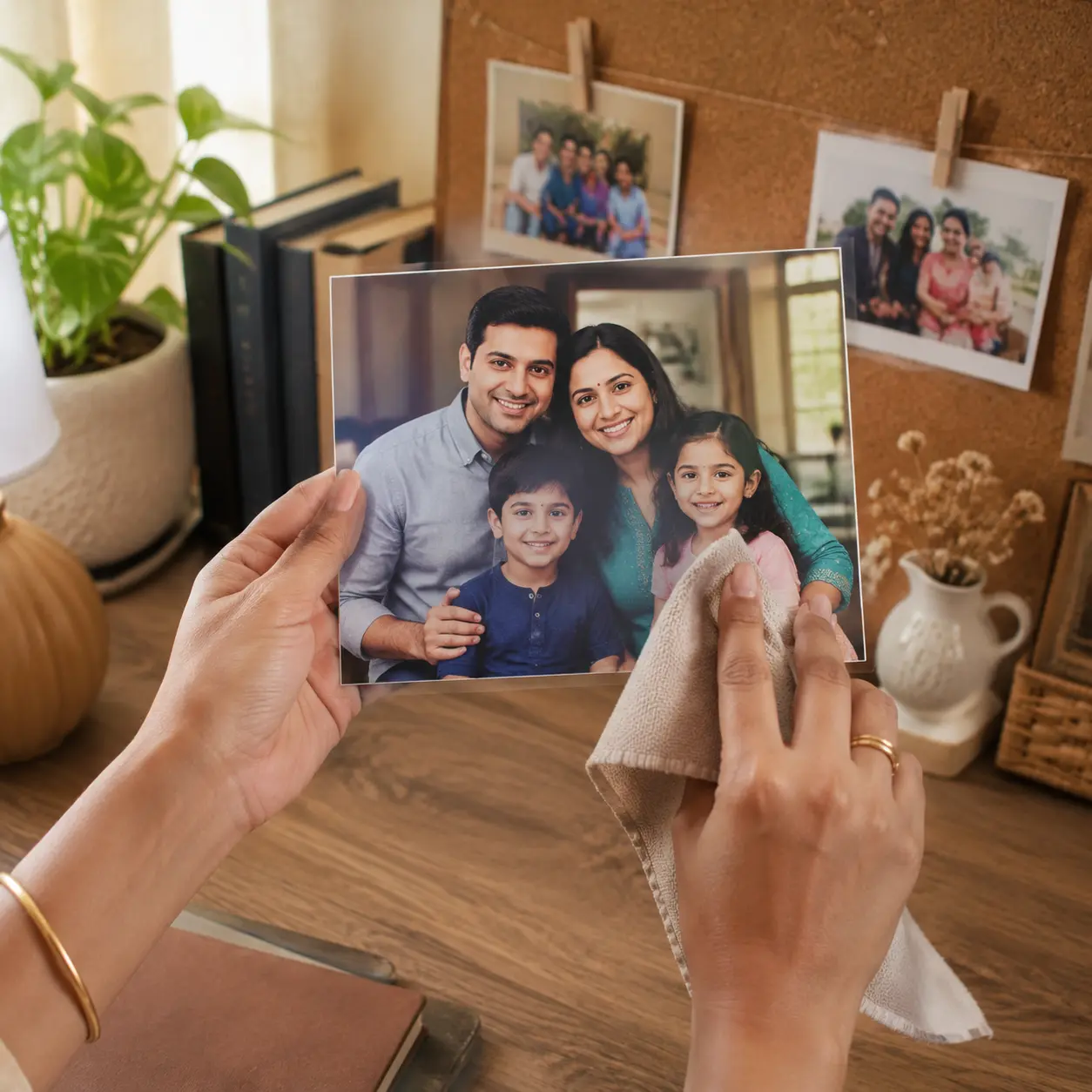
Handle the print with clean hands and store it flat when it is not displayed. Wipe light surface dust with a clean, soft, dry cloth. If necessary, use a barely damp microfibre cloth and dry the surface immediately. Do not use thinner, acetone, perfume, alcohol-based cleaner, rough scrubbers or adhesive directly on the printed face. Keep the print away from direct heat, open flame and prolonged intense sunlight.
If displaying the photograph without a frame, use the customer’s own removable clips or a mounting method suitable for the wall. Test tapes and adhesives on an inconspicuous edge because some products can leave residue or pull at the laminate. The listing does not include mounting tape, clips or a stand.
Privacy and responsible handling of uploaded photographs
Uploaded images are used to prepare, print, laminate, quality-check, support and fulfil the order. Access should be limited to authorised people who need the files for those purposes. Customer photographs are not sold or used in unrelated advertising without separate permission. Files may remain temporarily in commerce, support, production or backup systems for fulfilment, replacement review, fraud prevention and lawful recordkeeping.
Upload only the photographs needed for this order. Do not send Aadhaar files, bank documents, signatures or unrelated private records. If a sensitive file is uploaded accidentally, contact Gift Kida support promptly.
Returns and replacement for custom laminated photos
This is a personalised physical product made from customer-supplied images, so change-of-mind cancellation or return is not normally available after production starts. Contact support within 48 hours of delivery if the product arrives materially damaged, the wrong customer file was printed, the supplied size or quantity differs from the order, or a clear production defect affects the laminate. Keep the packaging and provide the order number with photographs of the issue.
A low-resolution upload, customer-selected wrong orientation, normal screen-to-print colour difference, minor cutting tolerance or a crop made necessary by the source image is not automatically a manufacturing defect. Eligible verified cases can be reprinted or replaced after review.
Frequently asked questions about photo lamination
Is the product a framed photograph?
No. It is a printed and laminated photograph supplied without a frame, glass, acrylic, stand or wall hardware.
Can I order one laminated photo?
Yes. The quantity box supports the product’s allowed whole-number quantities and updates the product total automatically.
Can I upload more than one image?
Yes. Upload the required photographs and explain duplicates or file-specific quantities in Order Notes.
Which finish should I select?
Choose glossy for a brighter reflective look and matte for lower glare. Both protect the print during normal indoor handling.
Is lamination waterproof?
It helps with light accidental splashes and routine wiping, but the edges should not be submerged and the product is not intended for outdoor exposure.
Can you improve a blurred image?
Basic brightness and colour balancing may help presentation, but genuine missing detail cannot be recreated reliably. Upload the original high-resolution file.
Personalised physical laminated print. Final colour can vary from screens. Minor trim tolerances may occur. Product quality depends on the uploaded file. No frame or mounting accessories are included.
| Available Size | 4×6 inches, 5×7 inches, 6×8 inches, 8×8 inches, 8×10 inches, 8×12 inches, 10×12 inches, 10×15 inches, 12×12 inches, 12×15 inches, 12×16 inches, 12×18 inches, A4, A3 |
|---|---|
| Available Finish | Glossy, Matte |
| Lamination | Laminated |
| Orientation | Portrait, Landscape |
Be the first to review “Photo Lamination Online – Custom Laminated Photo Prints”
Related products


Reviews
There are no reviews yet.